Account opening application criteria:
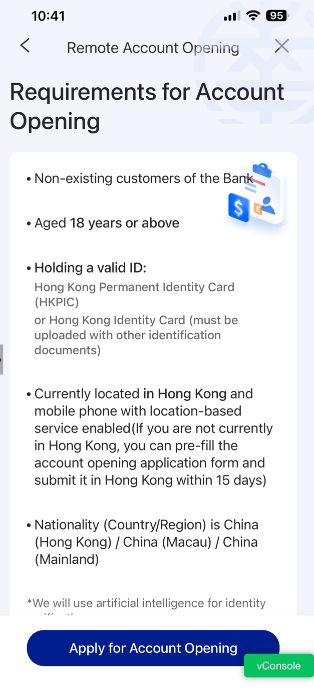
- Not an existing customer of the NCB
- Aged 18 or above
- Holding valid identity documents: Hong Kong Permanent Resident ldentity Card or Hong Kong Resident ldentity Card*(*Need to upload proof of nationality from other countries)
- Have a valid mobile phone number in China(Hong Kong) /China(Mainland) /China(Macao)
- Now in Hong Kong and the mobile phone has started location service
- Nationality (country/region) : China(Hong Kong) /China(Mainland) /China(Macao)
- Able to provide valid current residential address and correspondence address
- Able to provide basic account opening information such as Identity card number, valid email address, etc.2

Open your account easily in few simple steps:
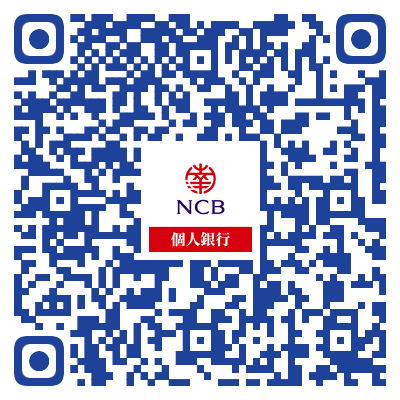
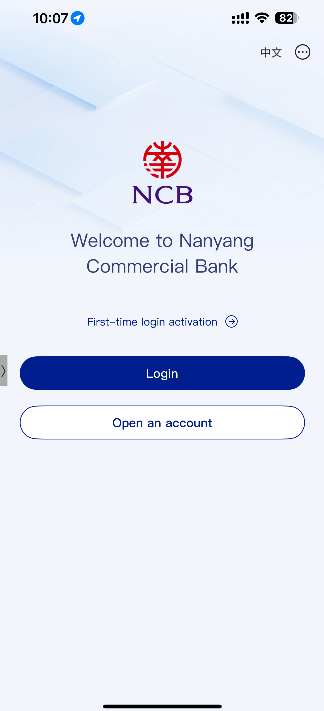
Step 1: Download the NCB Personal Mobile Banking App "NCB南商"
Scan QR code to download
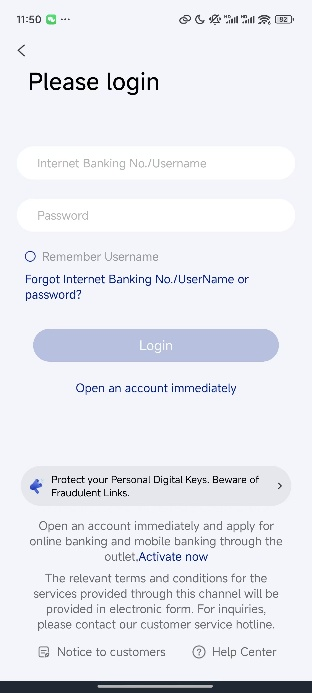
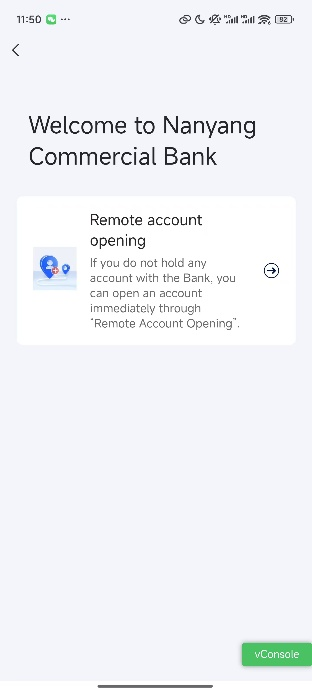
Step 2: Apply for remote account opening on your mobile phone
- Open Mobile Banking >>"Please login">>"Open an account immediately">>"Remote account opening" >>"Apply for account opening"
- Click "Apply for account opening">> Read the Important Notice & Data Policy Notice >> Fill in your personal details
- Review, confirm and submit application
Step 3: Pay attention to the application result notification:
It is expected to complete the review in about 5 working days.Please pay attention to SMS and email notifications.
After successfully opening an account, the following services will be activated for you:
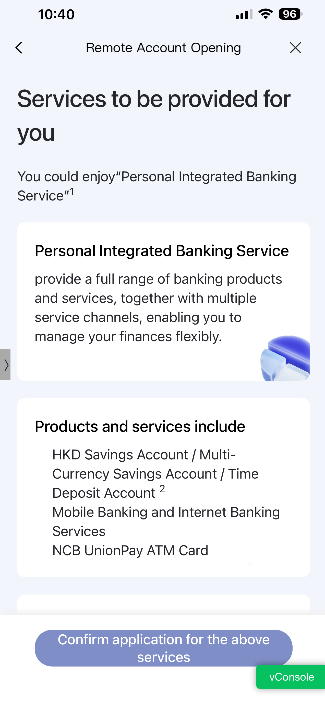
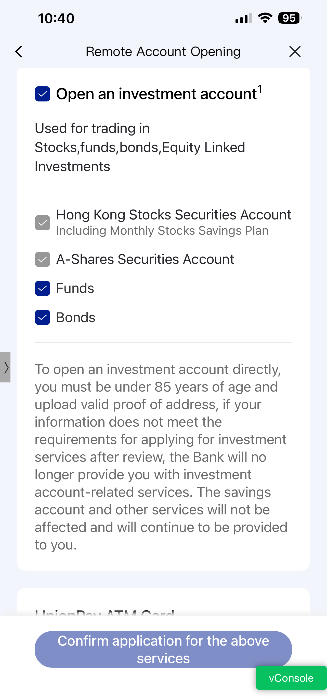
- NCB HKD Savings Account and Multi-Currency Savings Account ("Personal Saving Accounts")
- Mobile Banking and Internet Banking Services
*If customers do not want to subscribe e-banking service at the same time, please visit our branches for account opening application.
- Personal Integrated banking service
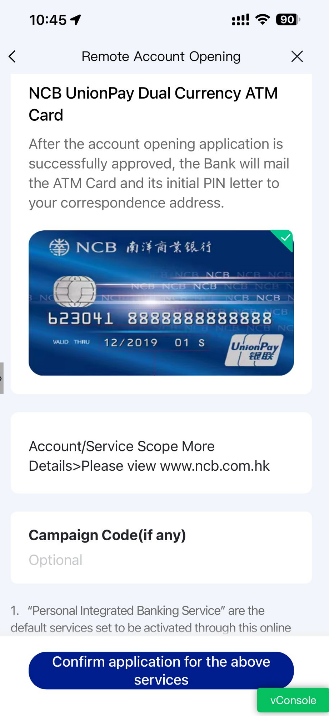
- NCB UnionPay ATM Card
NCB reminds you
Personal Savings Accounts opened through "remote account opening" can only have partial functions and transaction limits enabled. If you want to gain access to and enjoy comprehensive banking services, please visit any branch of our bank to apply.
Want to know more?
You are welcome to call the customer service hotline (852) 2616 6628 or visit the nearest branch for further enquiries.
- 1 Nanyang Commercial Bank, Limited (referred to as "NCB")
- 2 For details, please refer to Account Opening Instructions (Personal) – Nanyang Commercial Bank, Limited
- 3 Actual review time will vary depending on the circumstances of each application
"Remote Account Opening" Terms and Conditions
Security Tips
- If you find any suspicious downloaded programs, do not try to log in and should stop any operation. Be careful not to download fake mobile applications that may contain phishing Trojans to steal login information. Do not copy and install mobile applications from unidentified sources on the client side. If you find any abnormal operation, such as abnormal layout or abnormally slow login, please stop the operation immediately.
- Please download the mobile application through the official software application store or NCB website, and pay attention to the search identification words.
Disclaimer:
- The products and services mentioned in the information provided in these materials (these materials) are not available to all persons in all locations. Only persons permitted by applicable laws may browse these materials and/or purchase the services and products provided. Persons accessing these materials must ensure that they are aware of and comply with all relevant restrictions applicable to them and are responsible for ensuring that they are permitted to access these materials under the laws binding on them or in the jurisdiction to which they belong. Whether any person is eligible to use a particular product or service is subject to the final decision of NCB.
- Please refer to the actual interface and functionality as the most accurate version of e-banking service.
- Should there be any discrepancy between the English and Chinese versions, the Chinese version shall prevail.